
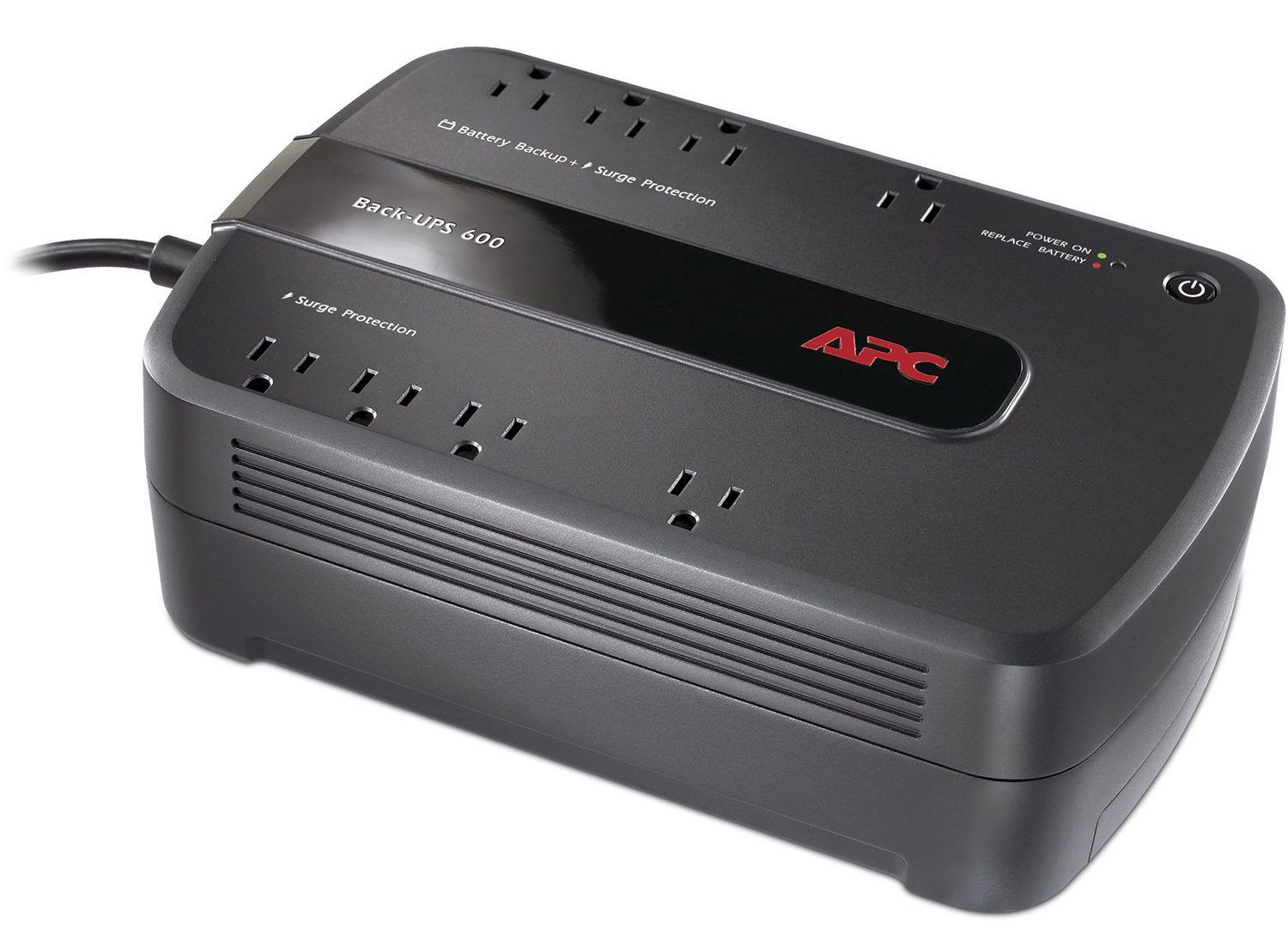
For several years—actually more than several years—I used an APC BackUPS 600 uninterruptible power supply (UPS) in my home office to keep my electronics up and running in case of a power failure. It saved my bacon several times when the power went out here.
There was always one situation that kind of griped me, however. I have a Brother MFC-7360N laser printer/scanner, and whenever I would print a document, the UPS would kick on as if the power had dipped. I emailed Brother about this and they informed me that this is exactly what was probably happening, as they designed the printer to draw so that it would draw a large amount of current so that it would heat up faster. While this was annoying, it wasn’t that big a deal, as I don’t print documents very often anymore.
This spring, however, the situation worsened. Whenever I went to print something, the UPS either didn’t kick in fast enough, or couldn’t supply enough power, and my computer would actually turn itself off. Not good. I surmised that the battery in the UPS was just not holding a charge like it used to. Since I really needed the UPS to supply more power anyway, I decided to purchase a new UPS instead of just replacing the battery.
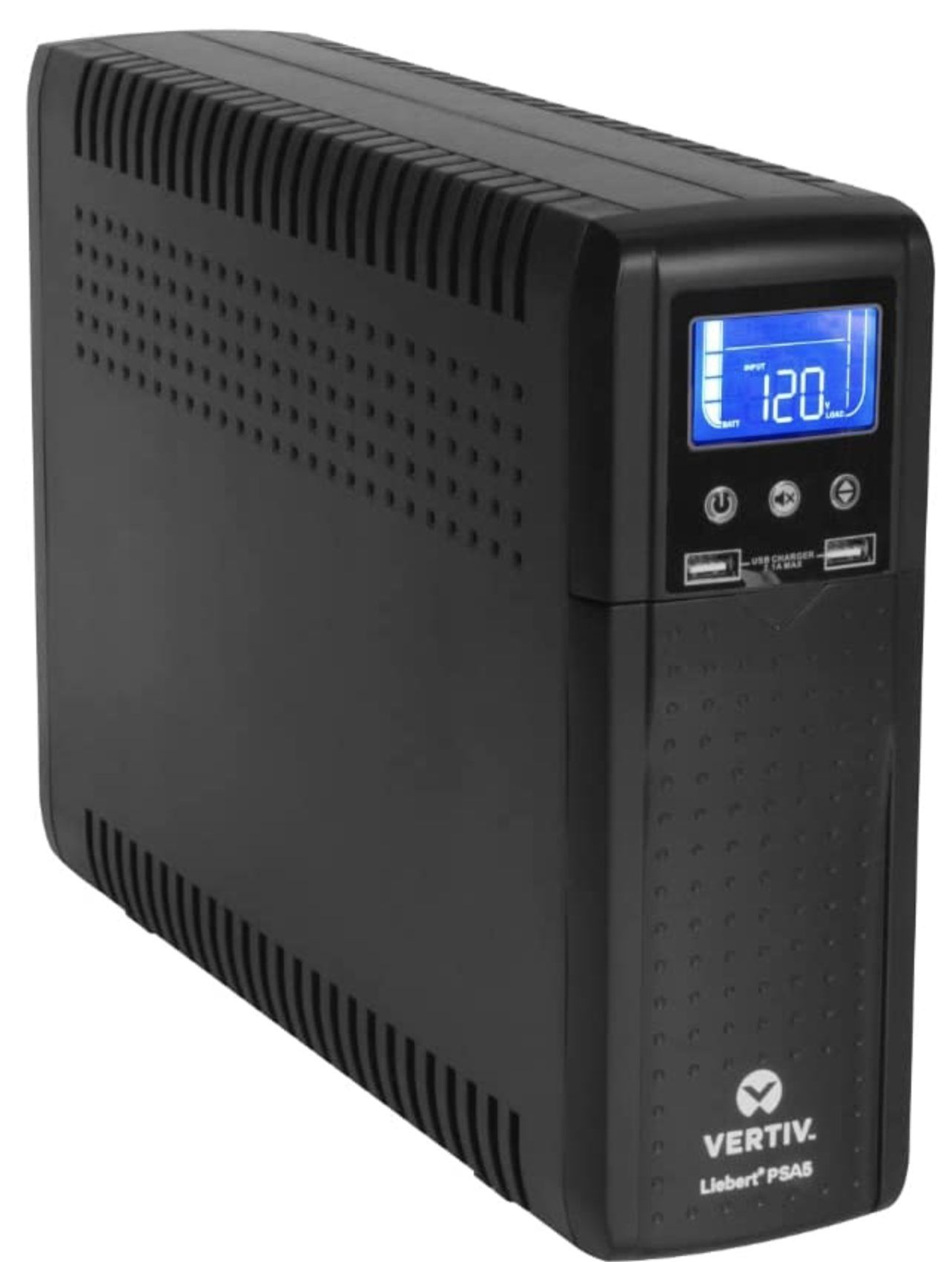
What I bought was a Liebert PSA5 1500VA. This unit has more than twice the capacity of the APC UPS (the 600 stands for 600 VA capacity) and did work better than the APC. I didn’t experience any weird stuff when the printer started up. “Great!” I thought.
Then, about six weeks ago, the Liebert UPS just turned itself off. “EC01” it said on the LCD display. I looked that up in the manual, and it said EC01 indicated a shorted output. I crawled under the desk, disconnected all of the devices plugged into it, and turned it back on. It beeped and displayed EC01 again. “Damn,” I thought.
I couldn’t just not work, so I went downstairs to find some power strips. As I was searching for something I could use, it occurred to me that I still had the APC UPS somewhere. The battery was weak, but it would still provide some protection. So, I brought that upstairs along with a six socket power strip.
I plugged my Mac, the cable router, and my wife’s laptop into three of the four battery-backed outlets, then turned on the UPS. Nothing. Shoot, I thought, the battery must be so gone now that it won’t even turn on. So, I plugged everything into the power strip and the four surge-protected outlets on the APC UPS and got back to work.
The next morning, I called Liebert’s 800 number. I explained the problem, and after a couple of questions, they said that they’d send me a new unit as quickly as possible. At least that went well. I waited almost two weeks to get it, but it’s been working fine ever since I installed it.
After I unplugged everything from the APC UPS and power strip, I hauled them back downstairs. As I was carrying them, it occurred to me that the APC UPS felt a little light. Then, I remembered that I had taken out the battery to measure it so that I could buy a new one. No wonder the battery-backed outlets didn’t work. There was no battery!
I ordered a new battery from Amazon, which arrived in a couple of days, installed it, and the APC UPS is as good as new. I’m now using it in the shack ahead of the 13.8 VDC power supply and the shack computer.
I still have the defective PSA-5, too. Liebert didn’t seem to want it back, so it’s just sitting in a box, under the desk. I may crack it open and see if there’s anything obvious that’s causing the shorted output.
UPDATE 10/31/22: The APC UPS passed its first test just now, at least the first one that I’m aware of. The power went out here for a couple of seconds while I was in the middle of a QSO, and the UPS just powered right through it.
It wasn’t clear to me, were you plugging the Brother laser printer into the UPSs or into another outlet on the same circuit?
I thought I read in my UPS literature a while back that high-current devices, particularly those that draw intermittent peaks of high power — like laser printers and ham radio power supplies —should not be used with UPSs because the large in-rush current associated with these types of devices could damage the backup circuitry.
No. The printer was not plugged into the UPS.
Two things, take a look at the lasers specs, odds are that it’s way higher than the APC UPS supports. Don’t forget to add the other loads when checking.
The other UPS? There should be a battery in it
A 600 watt UPS isn’t much and will have a hold time in single digits. You shouldn’t even plug a monitor in it, it reduces the runtime by too much
Laser Printers are notorious for dimming the lights on any circuit that they are on.
A long time ago, at a company I worked for that had a couple of rows of ‘cubes’ for offices, we kept having a regular voltage dip. We even got a recorder from our energy supplier to prove that there was something going on. After a lot of sleuthing, we found a laser printer/copier was plugged into the cube power at one end of the row, and every time the fuser heater cycled even while idle, the voltage in the cubes in that row would drop to 70 volts or so.
We moved the printer/copier to its own circuit across the hall, and the problem was solved. Never underestimate the amount of power a laser printer pulls, even when idle.
I was the Facility Engineer for a large Data Center for over 20 years. We had both large UPS to cover our server and telecom racks and under-desk UPS for the end-user equipment. I agree with all previous comments. Laser printers should never be plugged into a UPS or even a power strip. They don’t necessarily need a dedicated circuit but should be plugged directly into the wall on an on otherwise lightly loaded branch circuit. The same for a high-amperage radio power supply. Even for all your IT equipment, only the PC, modem and other critical equipment should be protected by a UPS. The monitor does not belong on an UPS. UPS batteries will last three-five years if rarely needed and if kept around 75 degrees F. Both higher and lower temps reduce both capacity and life. Seventy degrees is OK but will still result in a slight degradation of both life and capacity. APC under-desk UPS are pretty much bottom of the barrel. Don’t know much about Liebert consumer equipment. I really like the Eaton 1500 VA UPs but it’s over $1,000, maybe closer to $2,000. KA5VLY