
This post is going to be a bit of a ramble. Forewarned is forearmed.
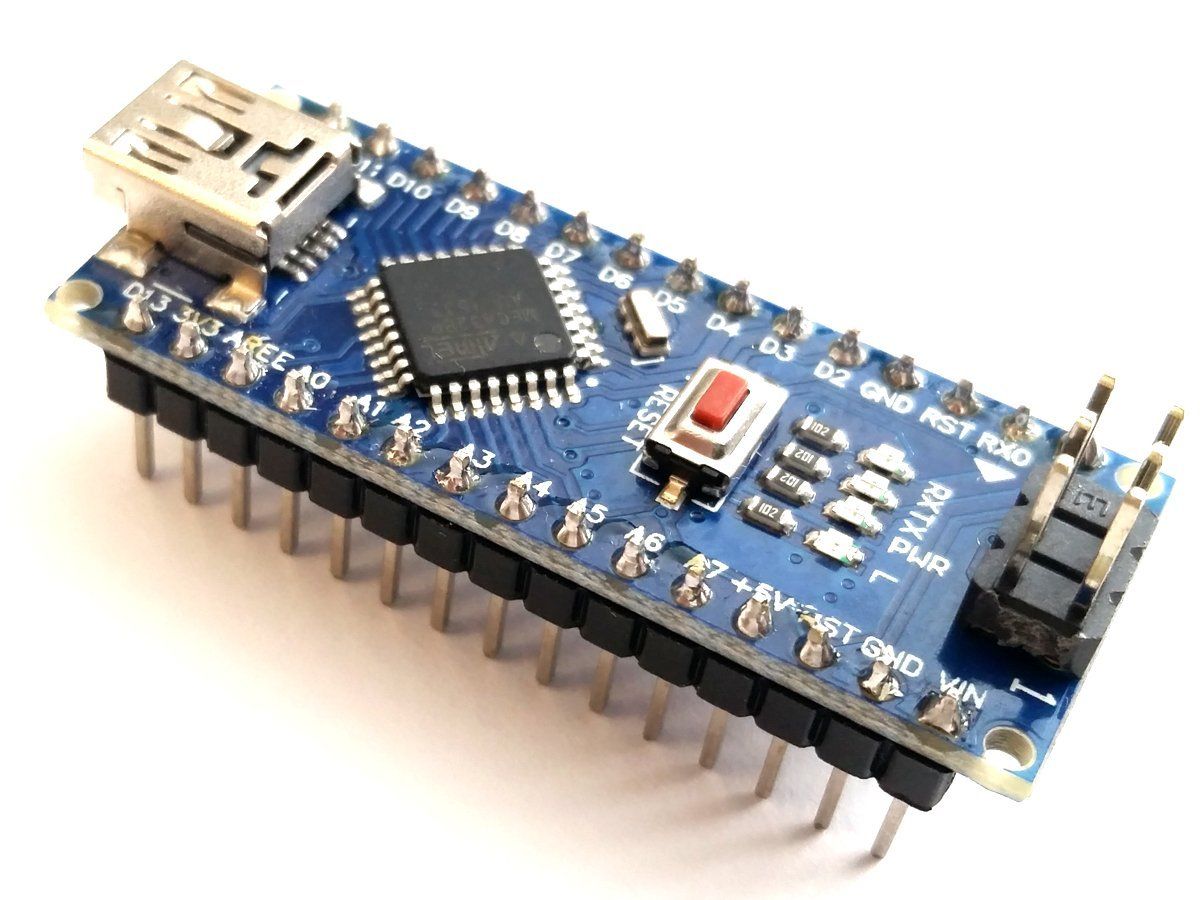
Six years ago, I did my first project with an Arduino and built a K3NG Keyer. More specifically, I built the DJ0MY Nano Keyer, which is a keyer that uses an Arduino Nano and the K3NG software. It’s a nice design, and it has been working reliably here since I built it, but there are a couple of drawbacks.
The biggest drawback is that because it uses a Nano, the entire feature set won’t fit in memory. I had wanted to be able to connect a keyboard sometimes and send with a keyboard. The K3NG software has that feature, but there isn’t enough program memory to do that and accept WinKeyer commands. Since supporting WinKeyer commands is more important, I had to forego the keyboard input.
I could have used an Arduino Mega. With its larger program memory, I would have been able to get all of the features that the K3NG software has to offer, but the DJ0MY board was designed to have the Nano plug directly into it.
Fast forward
Fast forward a few years, and I run into a guy who’s looking for someone to design a simple, microcontroller-based product for him. Armed with my extensive (hah!) knowledge of Arduinos, I enter into an agreement with him to do this.
Needless to say, this project turned out to be a lot more difficult than I had anticipated. In the course of building several different prototypes, I used a Nano, then a Pro Micro, and then finally just a plain, old Arduino Uno. One good thing to come out of all this bumbling is that I now have at least some knowledge of the many different versions of Arduinos on the market.
Enter the Raspberry Pi Pico
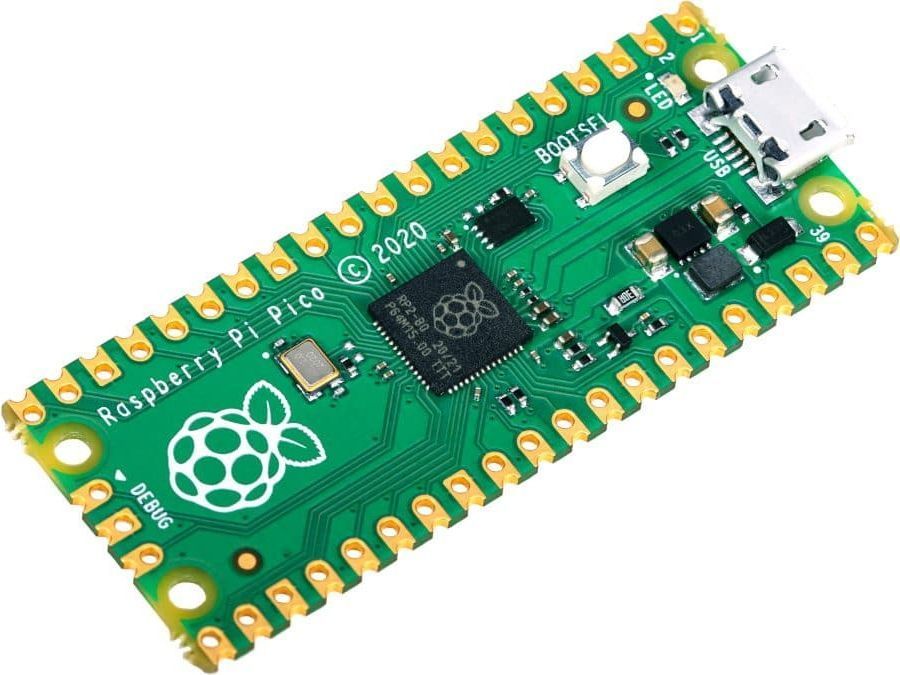
Of course, there are a bunch of other microcontrollers on the market. Way too many for me to keep up with. One of the latest entries that would be of interest to amateur radio operators is the Raspberry Pi Pico. This baby was introduced in January, and it’s getting a lot of publicity. It costs only $4, and it has a lot of advantages over the Arduino.
One thing that I really like about it is that it has way more memory than Arduinos. It has 2 Mbytes of flash memory and 264 kbytes of RAM. Compare this 32 kbytes of flash and 2 kbytes of RAM for the Nano.
I also like the fact that you can program the Pico using MicroPython (or CircuitPython) instead of the C++ language used by the Arduino. Instead of using the Arduino IDE, to program the Pico you used the Thonny IDE. Thonny is an open-source Python development environment available for Windows, Mac, and Linux (including Raspberrry Pi) computers. I already have it on the Raspberry Pi 4 computer that I’ve been using for microcontroller software development.
I have a couple of Picos on order and will probably start messing around with building a keyer on top of it. That should be something fun to do. If you’ve played around with the Pico and have some words of wisdom for me, I’d love to hear them.
https://store.arduino.cc/usa/nano-rp2040-connect-with-headers this is what you need same Pico processor and microphone and motion sensing add a depth of possibilities!
For $25!! No way. Proximity sensors are $2-3, and you can get a microphone module for $5-10 (https://www.microcenter.com/product/613582/adafruit-industries-spw2430-silicon-mems-microphone-breakout).
I am very interested to see where this goes. I was looking at the AdaFruit MacroPad (https://www.adafruit.com/product/5128), also based on the RP2040, and was wracking my brain trying to think of something useful I could do with it because it looks very shiny and I have a weakness. After making a MIDI controller, a CW keyer was the next thing that came to mind.
Any further progress on porting the K3NG keyer code on the PICO?
To be honest, I never got around to trying to do that.